
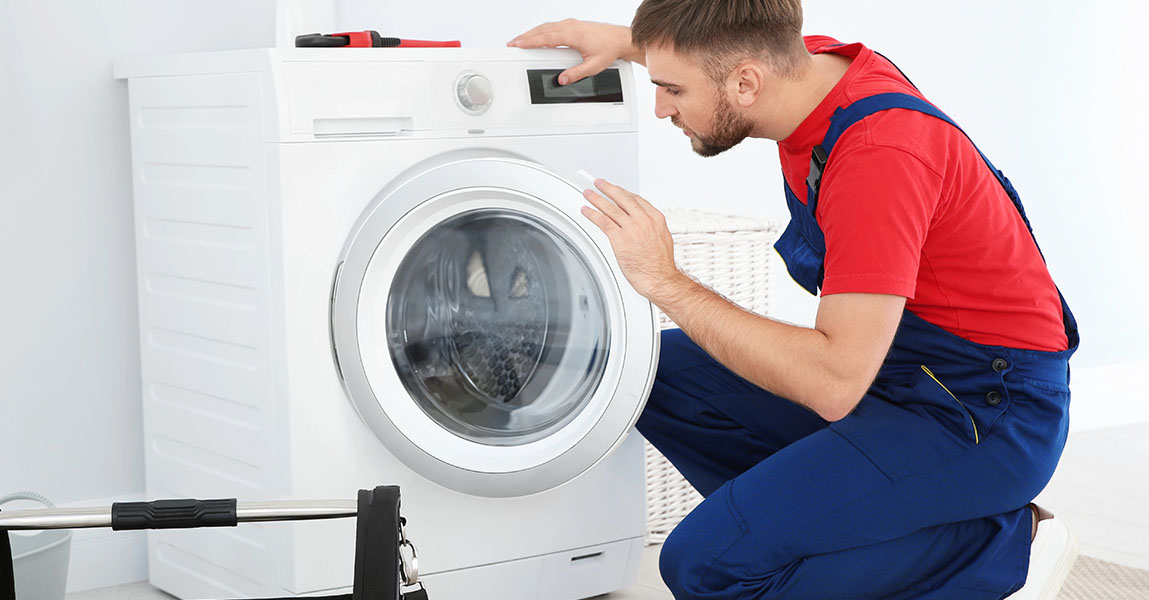
Smart washers offer convenience, automation, and remote access, but when they don’t start, the frustration can be immediate. In most cases, this issue isn’t mechanical. That is to say, a smart washer that doesn’t respond may be experiencing connectivity-related complications rather than a physical malfunction. Therefore, it’s important to approach the problem through a network-first perspective.
Our team often begins troubleshooting by verifying the Wi-Fi connection or the presence of any interruptions in smart home integrations. For instance, even a brief power surge can break the machine’s link to your mobile app or disrupt the programming stored in its onboard memory. In addition, connectivity errors might trigger false error codes, misleading the user into thinking there’s a hardware problem. Most importantly, we find that resolving these issues early can prevent unnecessary part replacements.
Troubleshooting Connectivity in Smart Washers: Step-by-Step
To clarify, not all connectivity problems originate in the washer itself. Many times, the issue is rooted in your home’s Wi-Fi network. Firstly, we recommend rebooting the modem and router, then confirming your washer is within range of the network signal. Secondly, try to reconnect the washer through its settings or mobile app. In other words, simulate the original setup process and look for successful pairing confirmation.
If the washer still doesn’t respond, you may need to reset the appliance’s smart module. During this step, unplugging the machine for a full minute and then restoring power can reset its connection protocol. Subsequently, use the app to detect the device again and test whether it responds to commands. Moreover, some machines include a manual diagnostic mode that flashes error codes related specifically to Wi-Fi or Bluetooth communication. These codes provide helpful clues about the underlying fault.
When these steps fail, and especially if your appliance becomes completely unresponsive, a deeper inspection is required. That’s why many local homeowners rely on appliance repair services in St. Albert to investigate the problem from both a hardware and software perspective.
Common Internal Issues Affecting Smart Start-Up
Beyond simple Wi-Fi dropouts, internal component issues can affect your smart washer’s ability to power on or start a cycle. For example, a damaged control board can behave erratically, dropping the wireless connection entirely or failing to initiate the startup sequence. However, these problems often mimic the signs of software failure, making them hard to diagnose without proper tools.
In some cases, the smart washer’s user interface panel may stop responding due to moisture or thermal stress. Likewise, the communication between this panel and the control board can become unstable over time. That is to say, even if the panel lights up, the system may not execute any commands. Therefore, it’s essential to check all cable harnesses and board connections, especially those handling low-voltage signal paths.
To eliminate any doubts, many homeowners seek help from technicians who specialize in washer repair services in St. Albert. Our team regularly inspects circuit integrity and performs functional tests to confirm that smart boards are behaving according to manufacturer specs.
Mobile App Glitches and Firmware Conflicts
Even when your washer is physically fine and your home network is working properly, a mobile app issue might still prevent the washer from starting. For instance, if the manufacturer’s app has not been updated recently, it might fail to communicate with the appliance. Similarly, firmware updates applied to the washer may render older versions of the app incompatible.
Meanwhile, glitches in cloud syncing can also lead to synchronization failures. In some models, the washer will not start a cycle if a scheduled or remote command is incomplete. Above all, this kind of issue highlights how reliant smart washers are on stable digital ecosystems. Restarting your phone, updating the app, or removing and re-adding the device may clear the fault.
If your washer consistently fails to launch, especially after software updates, it’s time to consider a professional inspection. Our team can evaluate whether the device firmware is corrupted or whether the Wi-Fi module requires reprogramming. In those cases, booking through the contact form for appliance repair St. Albert ensures timely support with minimal disruption to your home.
Why Connectivity Troubles Demand More Than Just DIY Fixes
At first glance, a smart washer that won’t start might seem like a simple glitch. However, unresolved connectivity problems can create long-term damage if left unattended. For instance, when the washer repeatedly attempts to establish a connection, it may overheat specific control elements. In addition, repeated power cycling during troubleshooting can shorten the lifespan of delicate onboard chips.
Likewise, some homeowners resort to factory resetting the appliance repeatedly, not realizing this process can wipe crucial calibration data. Therefore, it’s better to limit manual resets and instead allow qualified technicians to test the appliance using diagnostic equipment. We also ensure that software and firmware updates are applied in the correct order, reducing the chance of further conflict.
Smart washers represent an advanced blend of mechanical reliability and digital control. But, without proper understanding of both aspects, simple issues like failed start commands can evolve into major faults. That’s why we encourage local clients to act promptly whenever network or interface issues appear.
FAQs
Why does my smart washer stay silent even though it’s plugged in?
If your smart washer doesn’t make any sounds or lights up despite power, it may be stuck in a communication loop. A faulty control board or connectivity failure can freeze startup.
Can I still use my smart washer without the mobile app?
Yes, most smart washers include manual buttons for basic cycles. However, if your model is stuck waiting for an app signal, a reset may be needed.
How do I know if the issue is with my phone or the washer?
Try connecting a second phone with the manufacturer’s app. If it works, the problem may lie with your phone’s Bluetooth or app version.
What if resetting the Wi-Fi doesn’t help?
If network resets don’t help, the internal communication board or smart module might need inspection or replacement by a technician.
Are connectivity problems covered by warranty?
Some models include warranty coverage for control and Wi-Fi boards. Always check the documentation before paying out of pocket.